
Getting started
Finding your way around the Hub.
Help Center
The short version of everything PixCrowd does, organised by the part of the product you are standing in front of.
Finding your way around the Hub.
Creating an event, and the settings behind it.
Inviting people and keeping track of who is coming.
Themes, the hero photo and the banner designer.
The guest app — using it, and what you control about it.
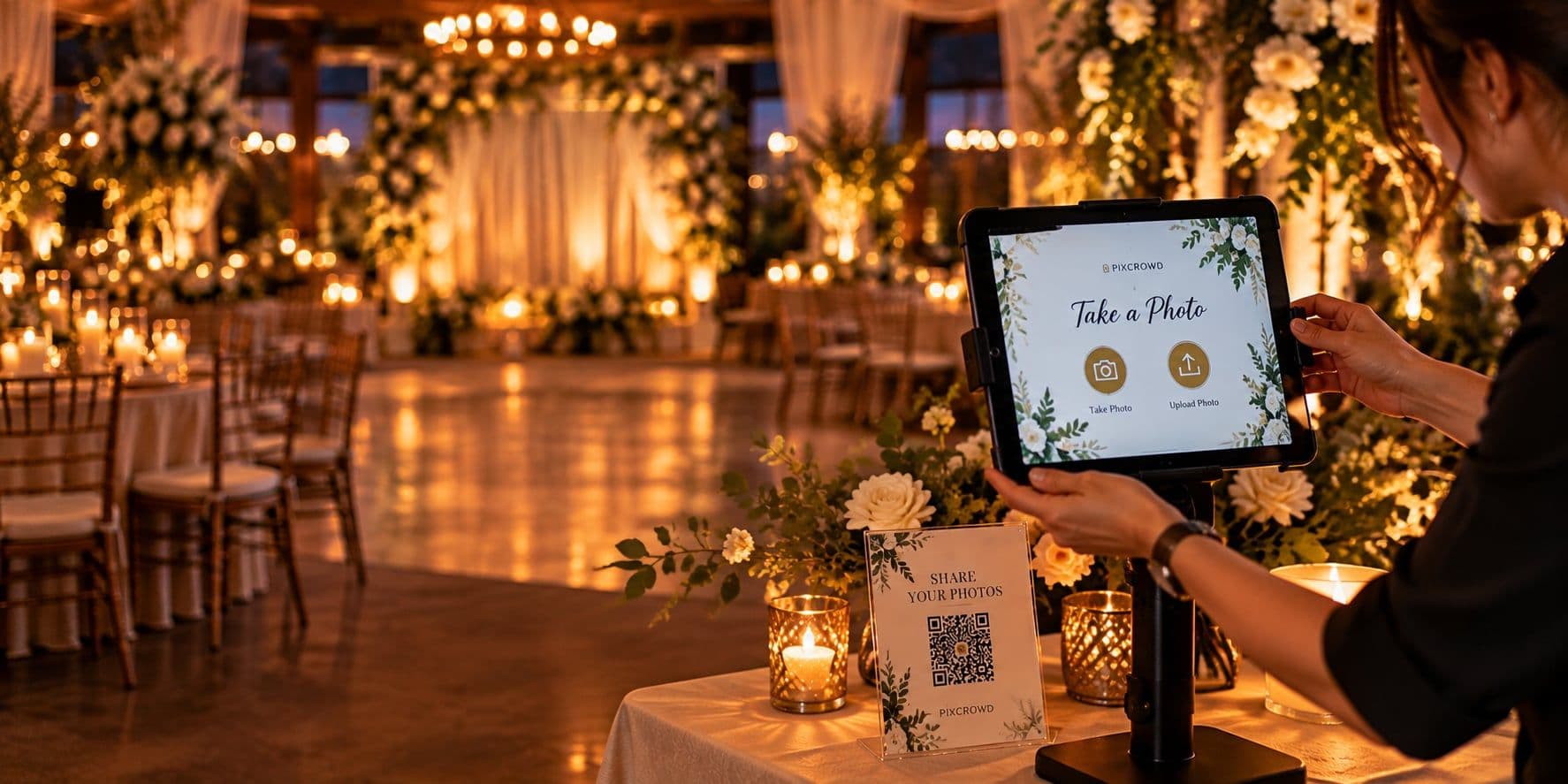
Capture stations, boomerangs and printed cards.
Using the Capture app on the iPad itself.
Running the event from your phone while it is happening.
Everything that has come in, and what you can do with it.
Grouping photographs and sharing them.
Approving photographs before guests see them.
The big screen and the displays that run it.
Building questions and running a live session.
Short messages shown on the Wall between photographs.
Your organization, your plan and what you have sent.
These guides cover the product screen by screen. If what you need is not here, the Features page explains what PixCrowd does — and a free event is the fastest way to see any of it.